
Updated August 2026
Incognito mode vs Tor: what is the difference?
Incognito mode and Tor solve different problems. Incognito keeps your own device from saving a session. Tor hides who and where you are by sending traffic through several volunteer relays.
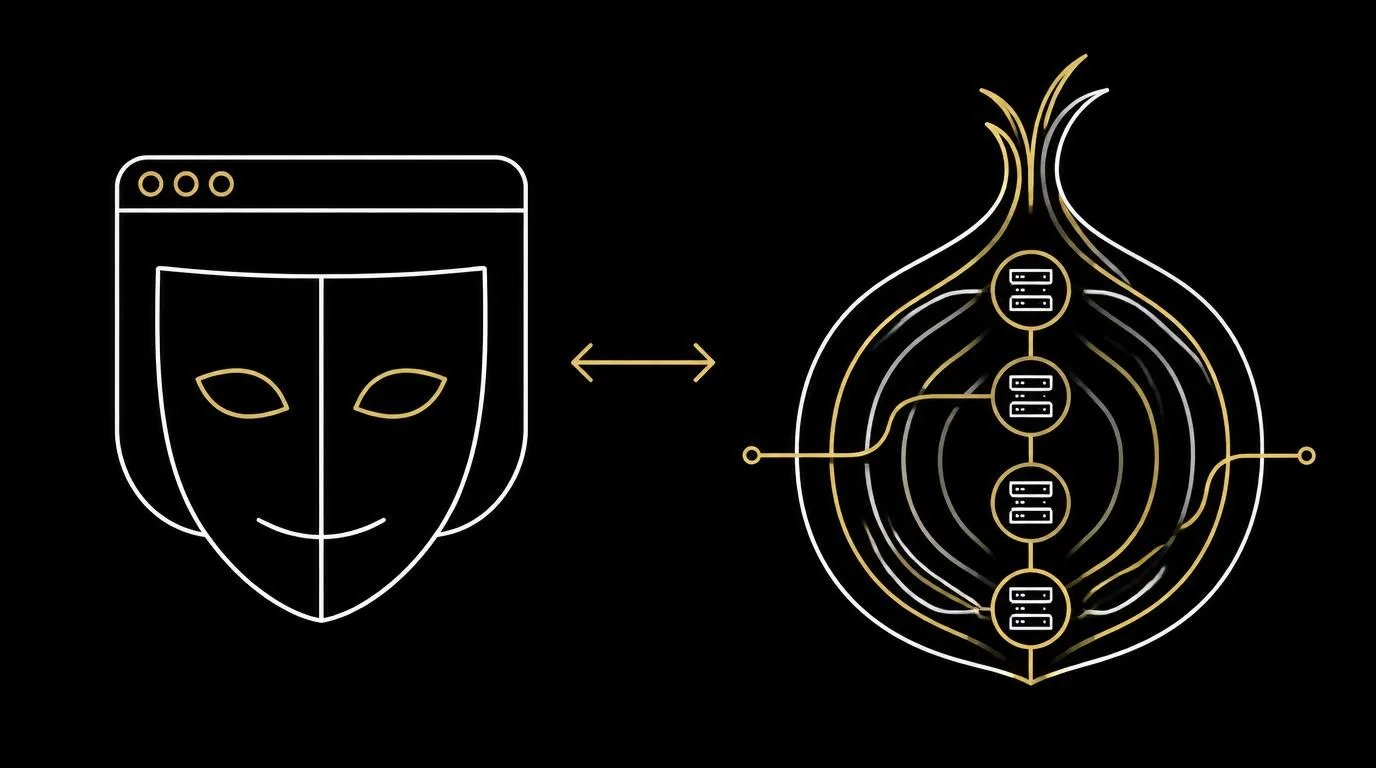
Incognito mode protects your device
- -No history, cookies or form data are saved after you close the window.
- -Your IP address and network traffic are unchanged.
- -Fast, built into every browser, and good for shared computers.
Tor protects your location
- -Traffic passes through three encrypted relays before reaching a site.
- -Websites see the exit relay's address, not yours.
- -Slower, and some sites block or challenge Tor users.
Which to choose
- -Use incognito to keep a shared device clean.
- -Use Tor when hiding your identity from sites and networks matters.
- -Either way, pair it with a no-log search engine so your queries are not stored.
Keep your searches out of the record
Read more in this related guide, or search with DeepIncognito: nothing is stored, results erase on one tap, and the session destructs on its own.
Frequently asked
Search privately. Leave no trace.
DeepIncognito is a private search layer with one-tap erase and sessions that auto-destruct on inactivity.
Try a private search